Identify colors from images
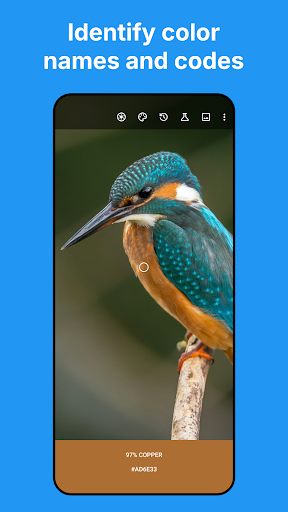
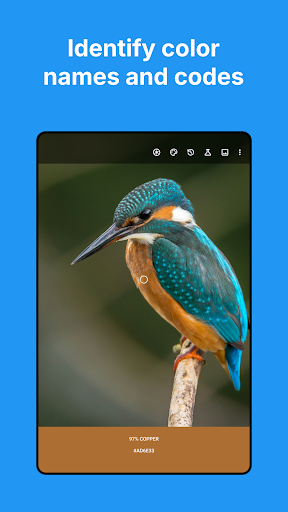
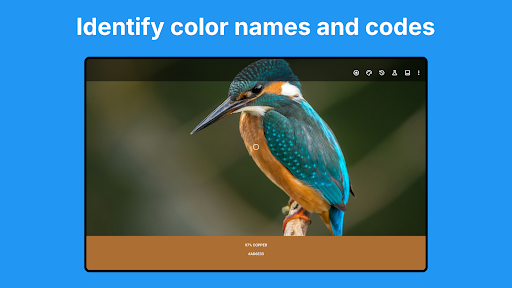
Color Picker: Find Name & Code helps you identify a color in a live camera view or a saved image. It can show a matching color name and code, making it useful for designers, developers, artists, painters, and anyone trying to compare or record a color. You can sample a single pixel or an area, which can help when the exact point you want to inspect is hard to target.
Codes and color details
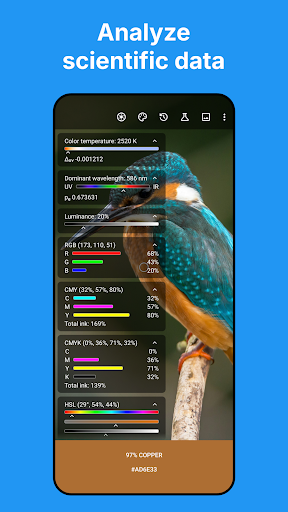
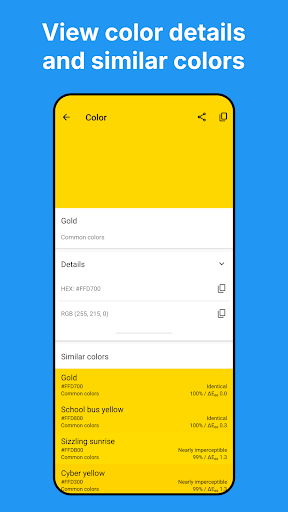
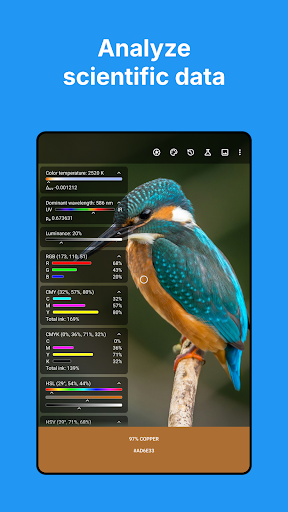
The app provides color values in formats including HEX and RGB, alongside other models such as CMYK, HSL, HSV, CIE LAB, and CIE XYZ. An optional Expert Mode adds measurements such as color temperature, wavelength, and luminance. These extra readings may be more relevant to users who need detailed color analysis than to someone looking for a simple name or web color code.
Browse named-color collections
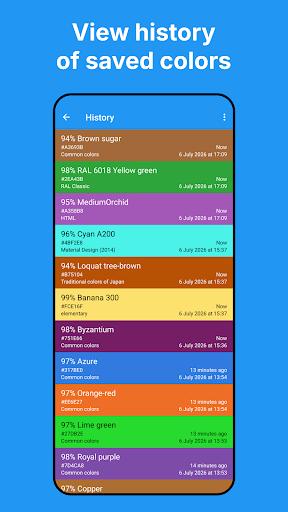
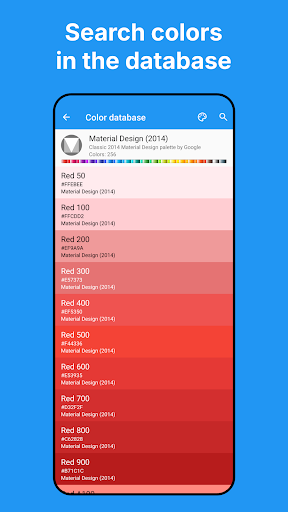
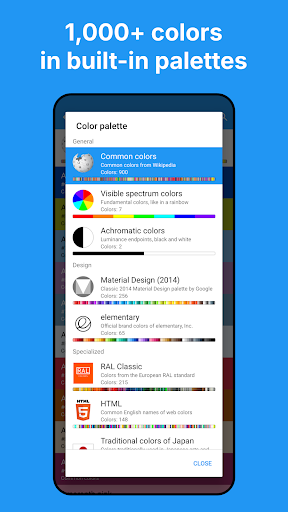
When you are looking for a color rather than sampling one, you can search the built-in collections by name or HEX value. They include common and spectrum colors, palettes associated with Material Design and elementary, RAL Classic colors, HTML color names, and traditional Japanese colors. This gives the app a reference-library role as well as a camera-based one.
Publisher and audience signals
The app is published by Mikhail Gribanov and is listed in the Tools category. Its 1,000,000+ installs indicate broad uptake, while its 4.188119 rating across 5,787 ratings offers a more qualified picture: many people have rated it, but the score is not uniformly high. Those figures provide context, not a guarantee that its readings will suit every use. For work where color accuracy matters, lighting, camera settings, and the image itself can affect what a phone captures.