LetsView- Wireless Screen Cast
WangxuTech
Downloads
5,000,000+
Source
Google Play
Advertisement
Click to download now, finish the installation quickly, and directly unlock the all-round experience
Advertisement
Screenshots
Click to download now, finish the installation quickly, and directly unlock the all-round experience
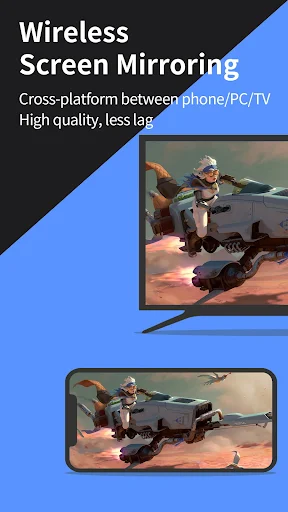
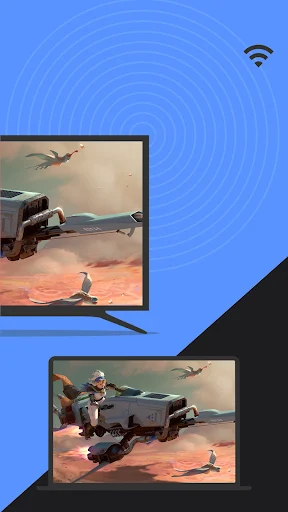
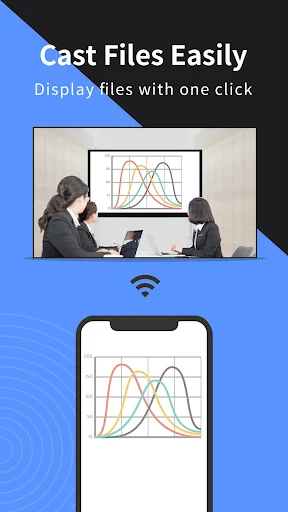
LetsView- Wireless Screen Cast is a screen-mirroring tool for people who want to show phone or computer content on another screen. It can connect mobile devices with computers or TVs, making it useful for presenting documents, showing photos, or watching content together. The app is published by WangxuTech.
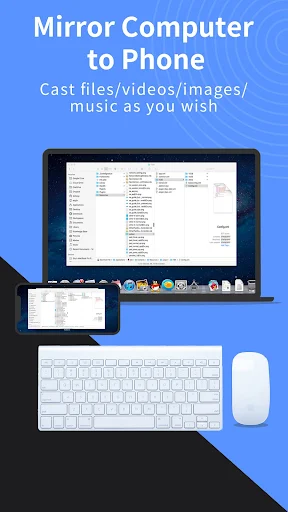
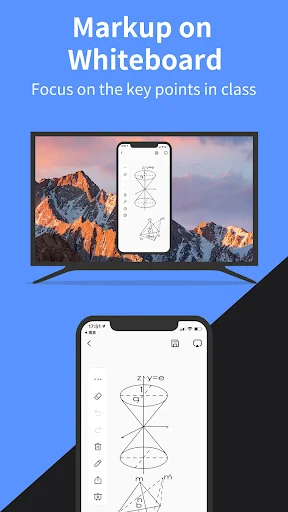
LetsView supports mirroring between phones and computers, and between phones and TVs. Its listed tools also include screen recording and capture, drawing and a whiteboard for presentations. A phone can serve as a keyboard or mouse for a connected computer; the app’s description also notes control of a phone from a Windows computer. Some functions depend on the devices and connection being used.
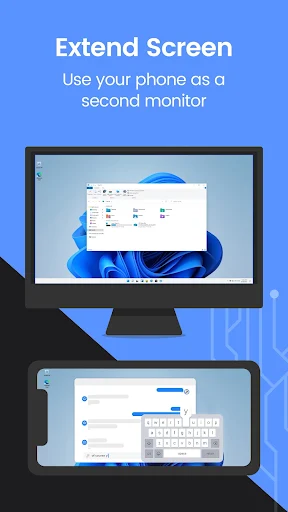
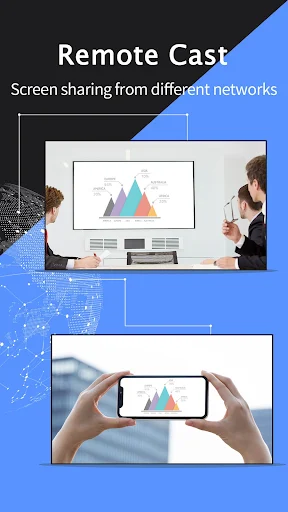
The app describes remote mirroring across different networks, as well as using a phone as an additional display for a computer. These options may suit people sharing a screen away from a meeting room or keeping reference material visible while working. They are more involved than simply casting to a nearby TV, so check that the relevant devices support the connection you need.
This is aimed at people who regularly move content between screens: presenters, households sharing media, or users who want to display a phone on a computer. It offers more than basic casting, but that breadth may not matter if all you need is to show a video on a TV.
LetsView is listed in Tools and has more than 5,000,000 installs. Its rating is 2.91 out of 5 from 7,387 ratings. That score is worth weighing alongside the feature list: screen mirroring depends on compatible devices and a reliable connection, and the rating suggests the experience has not been consistently well received.